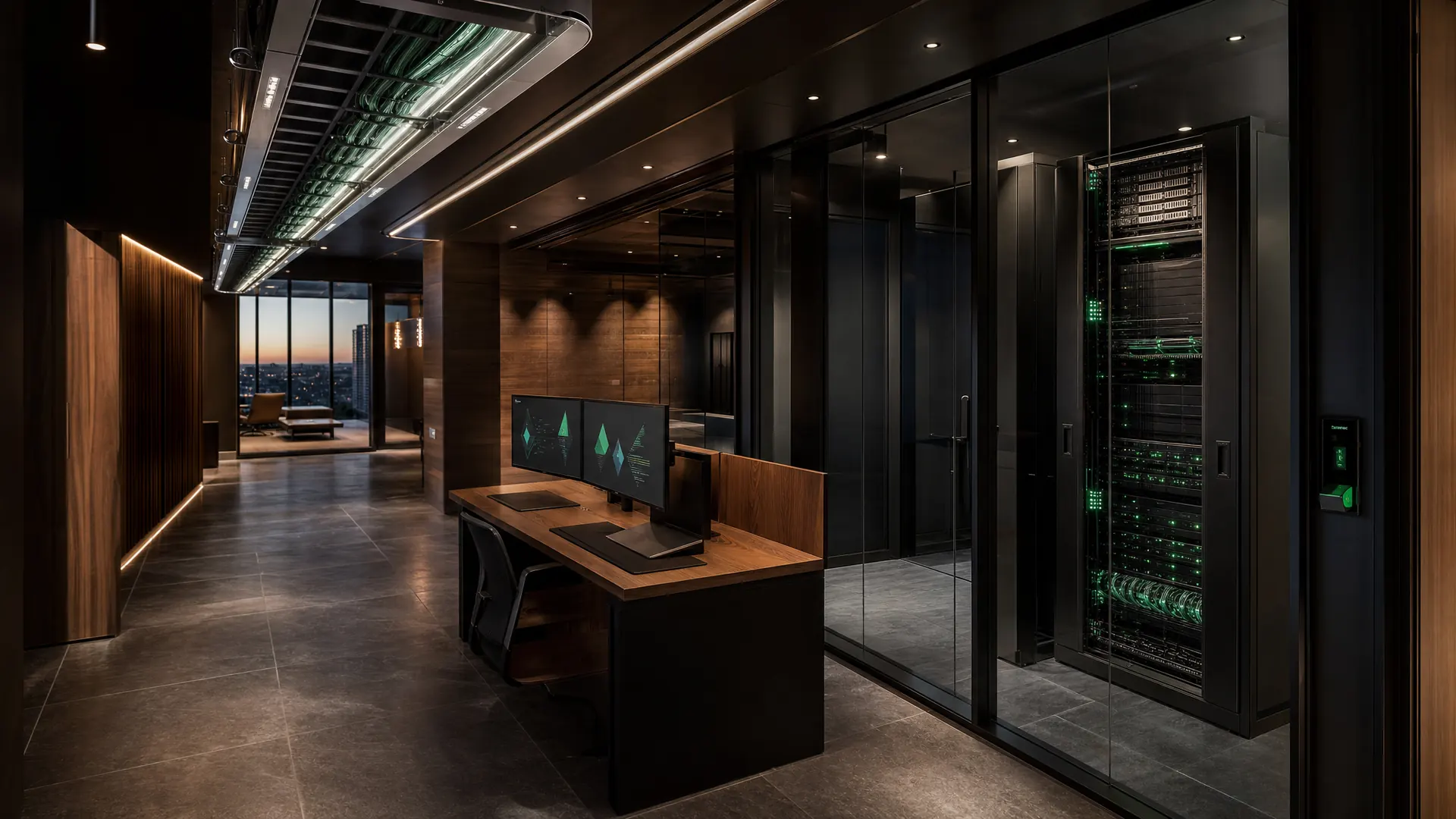
First, see the whole picture.
Work directly with the person getting to know your environment. Map the devices, accounts and dependencies before recommending changes.
WHAT YOU GETEnvironment baseline
What exists. What connects. What needs attention.
CTRL / SHIFT / IT · BUILT AROUND YOUR BUSINESS
Secure, reliable, and scalable IT for law firms, clinics, accountants, and growing offices across Vaughan, Toronto, and Mississauga.
Loading interactive view
Device protection, access controls and monitoring work together around your business.
Explore an illustrative incident, from detection to a verified recovery.
Illustration only · Not a live incident or a guarantee of protection or recovery.
BUILT FOR YOUR BUSINESS.
Ready for what’s next.
Six situations. A clear next move.
Choose what sounds like your week.
A full IT function on a flat per-user rate — helpdesk, patching, endpoint security and monitoring, with the documentation staying yours.
Illustrative workspace · Select a situation to explore your options.
Three checks that read nothing but public records — no signup, no install, no call. They return the same findings we would open an engagement with.
Choose the support you need today, with room to add more as your business grows.
Each line of work has its own compliance surface, its own software and its own worst day. Pick yours — and if hands in the room are the fix, these are the drives we make.
Schematic service map · Scroll to explore. Select a city for support.
On-site across the GTA. Remote support across Ontario. One direct point of contact.
A clear process.
Something tangible at every step.
Workstations depend on managed identities, network access and the applications people use.
Illustrative project · Choose a stage above.
Work directly with the person getting to know your environment. Map the devices, accounts and dependencies before recommending changes.
What exists. What connects. What needs attention.
Turn the findings into priorities and a written scope. Agree on the work, the sequence and how changes will be checked or reversed.
Priorities, responsibilities and a clear next step.
Carry out the agreed work, verify the result and keep a change log. Security and recovery requirements stay part of the implementation.
What changed, why it changed and how it was verified.
Keep the system map, change history and recovery instructions. Your accounts and documentation remain yours, with clear next steps for ongoing support.
System map, change log and recovery plan.
Downtime rarely costs only the repair bill. It slows staff, interrupts revenue and can expose cyber-insurance gaps. Model your exposure below.
8 hours. 15 people.
Explore how the costs add up.
Adds recovery, legal, notification & reputation costs.
Every plan includes Microsoft 365 Business Premium, Huntress , and 24/7 monitoring — security is standard, not an upsell. Month-to-month flexibility, predictable per-user billing.
Core managed IT with Huntress EDR for small professional offices.
Layered security and strategy for teams that handle client data.
Full security-operations and governance layer for established firms.
Billed per user, per month (CAD). Month-to-month — no long contracts. Volume pricing for 25+ seats. Compare plans in detail
No provider and one thing broken? Pick it, get a flat price in writing before we start, and pay for that alone. If you join a plan within 30 days, the fix comes off your first invoice.
AN ILLUSTRATIVE LOOK AT WHAT COMES NEXT
No pressure, no sales pitch. We'll identify your three biggest IT risks and hand you a clear 30-minute roadmap to fix them.
FAQ
Clear answers about switching providers, security, coverage and pricing. Search a question or choose a topic.
Yes. We run a structured transition covering credentials, tenant access, asset inventory, backup validation, and support handoff so nothing falls through the cracks.
Two to three weeks from kickoff to full coverage for a 10–30 person team. Larger or multi-site environments take longer; we share a written plan in week one.
No. The transition happens in parallel with your current provider. We only cut over once accounts, monitoring, and the helpdesk are validated end-to-end.
Huntress EDR, Fortinet firewall protection, Tailscale zero-trust access, MFA enforcement, and recurring vulnerability scanning. Tooling is documented per tenant.
We follow a documented incident response runbook: contain, eradicate, recover, and report. Huntress provides 24/7 detection; we coordinate restore from validated backups.
Yes. We support readiness work for SOC 2, HIPAA, and PCI — including evidence collection, access reviews, and policy documentation alongside your auditor.
Vaughan, Toronto, Mississauga, Thornhill, Richmond Hill, and the wider GTA. Support is remote-first with on-site escalation when an issue needs hands on a device.
Yes. We manage user accounts, email security, shared drive permissions, data retention, and device access controls for both platforms.
Flat per-user, per-month with no surprise hourly fees. The number depends on scope (helpdesk only vs. helpdesk + security + planning); volume pricing kicks in above 25 seats.
A 90-day initial term lets us complete onboarding and prove value. After that, billing is month-to-month — cancel any time with 30 days’ notice.